Purple Wireless Keyboard and Mouse Combo with Retro Keys
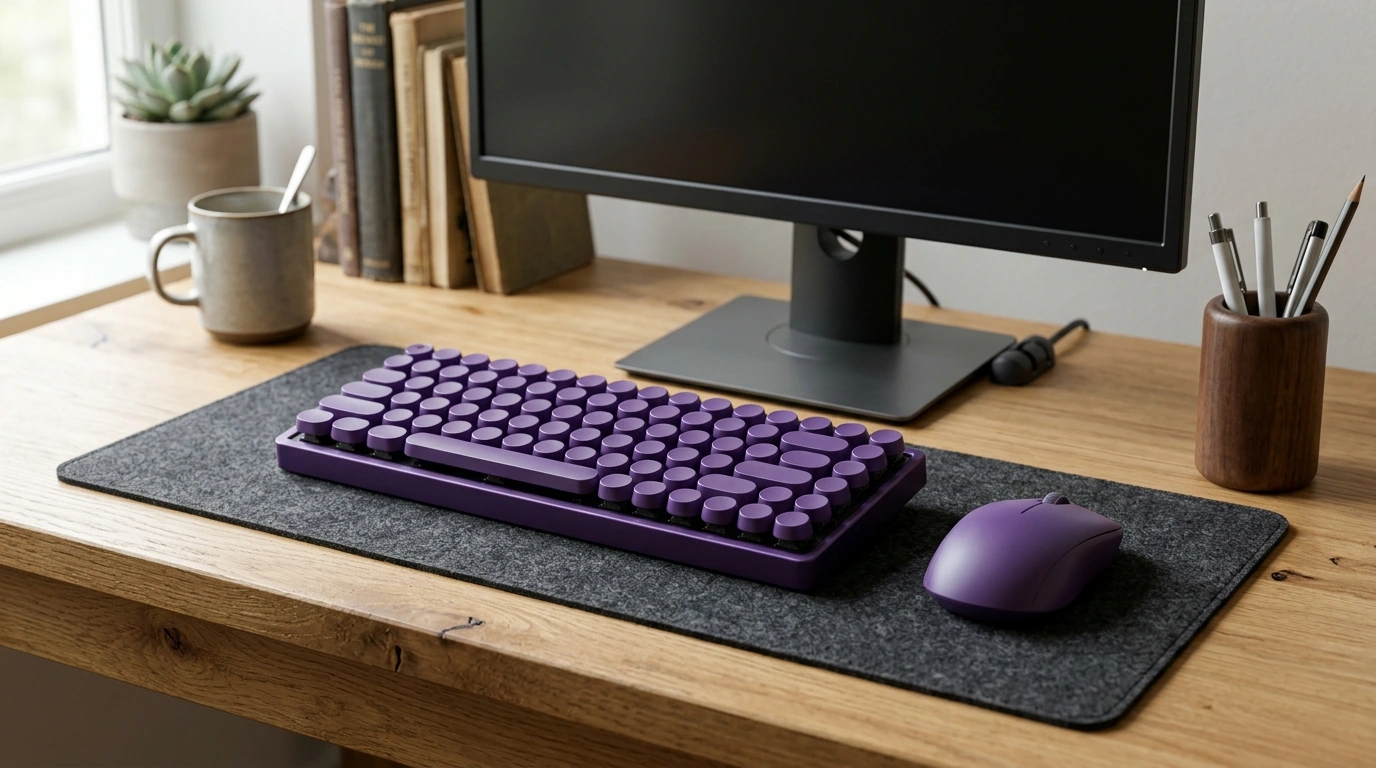
A little color can change the feel of a workspace, and a matching keyboard and mouse make it easy to carry that color across your desk. Our compact purple wireless combo pairs a coordinated look with retro-inspired round keys, giving you an alternative to the familiar square-key design.
Whether you are refreshing a home office or setting up a spot for everyday tasks, the right choice comes down to more than appearance. Consider how you type, where you place your mouse, and what your computer needs to connect before choosing your setup.
A coordinated look for your workspace
The Compact Purple Wireless Keyboard & Mouse Combo with Retro Round Keys brings two everyday desk essentials together in a matching set. Its purple finish gives your workspace a distinct accent, while the round keys add a retro-inspired detail without requiring you to build an entire themed desk around them.
Round keycaps offer a visual departure from conventional square keys. You can let them stand out against a neutral desktop or repeat the color elsewhere with a notebook, desk mat, or pen holder. White, gray, and natural wood tones can provide a quiet backdrop; other pastel accessories can make the arrangement feel more playful.
We also like the simplicity of keeping the surrounding area tidy. A clear place for your keyboard and mouse leaves room to move and makes it easier to put frequently used items within reach.
What the combo offers
Choosing a keyboard and mouse together takes some of the guesswork out of coordinating separate accessories. You get a matched appearance in one selection, which can be useful if you are starting a desk setup or replacing both peripherals at once.
The compact format is worth considering if you prefer a smaller keyboard footprint, while the wireless design avoids running a cable from each peripheral across your desk. The space you gain and the way the set connects will depend on your setup, so review the product details rather than assuming a particular fit or range.
| Feature | What to know |
|---|---|
| Keyboard and mouse | A coordinated set |
| Design | Purple with retro round keys |
| Format | Compact and wireless |
| Listed price | $46.51 USD |
The listed price is $46.51, and price and availability may change. You can visit the product page for the current details before placing an order.
Choosing a comfortable desk setup
Start by placing the keyboard in front of you and the mouse close beside it, so you do not have to reach far to use either one. Aim to keep your wrists in a neutral position where possible, with your arms and shoulders relaxed. Your chair height and desk height matter too: adjust your position so you can use your equipment without continually lifting your shoulders or bending your wrists.
For more guidance on arranging a workstation, consult OSHA’s computer workstation resource. Small adjustments can help you find an arrangement that feels better over the course of your day.
Think about your habits as well. If you regularly enter numbers, use navigation keys, or rely on shortcuts, look at the keyboard layout to see whether it supports your routine. A compact layout may be a welcome change for some users, while others may prefer a different arrangement.
If you usually type on square keys, give yourself some time with the round shapes. Start with a few ordinary tasks, such as writing an email or taking notes, and notice whether the spacing and feel work for you. Personal comfort is more useful than judging a keyboard by its appearance alone.
Before you choose your combo
Make sure the keyboard and mouse are compatible with your computer and that you have what you need for their connection. Review their power requirements and the keyboard layout, too. These details can affect how easily the set fits into your daily routine.
Measure the area where you plan to work and leave room for comfortable mouse movement. Consider what else shares that surface, from a laptop stand to a notebook, and whether you need to move the keyboard aside between tasks. Compact is a useful description, but your available workspace and habits are what determine the best fit.
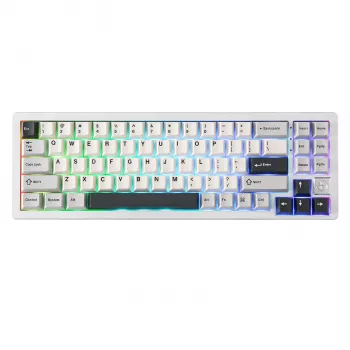
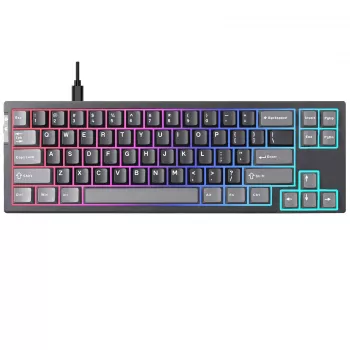
If your priorities lean more toward gaming features than a coordinated mouse-and-keyboard set, our Rapid Trigger Magnetic 65% Gaming Keyboard with RGB and Hall Effect Switches is another option to explore. It is a keyboard rather than the matching combo, so consider whether you also need a mouse when comparing the two.
Our team recommends choosing the setup that suits both your workspace and the way you use it. Explore the purple combo’s product page for its current price, availability, and purchase details.
Before choosing, compare the product details with your daily routine, available space, care needs, and preferred setup. The strongest option is usually the one that fits the intended use clearly and remains simple to clean, store, and check before repeat use.
FAQ
Does the combo include both a keyboard and a mouse?
Yes. The product is offered as a wireless keyboard and mouse combo.
Are round keys different to type on?
Their shape can feel different from square keys, so you may appreciate some time to adjust.
Will the combo work with my computer?
Check the product’s compatibility and connection requirements against your computer before ordering.













Leave a comment