Reverse a Remote Ceiling Fan Direction in Minutes
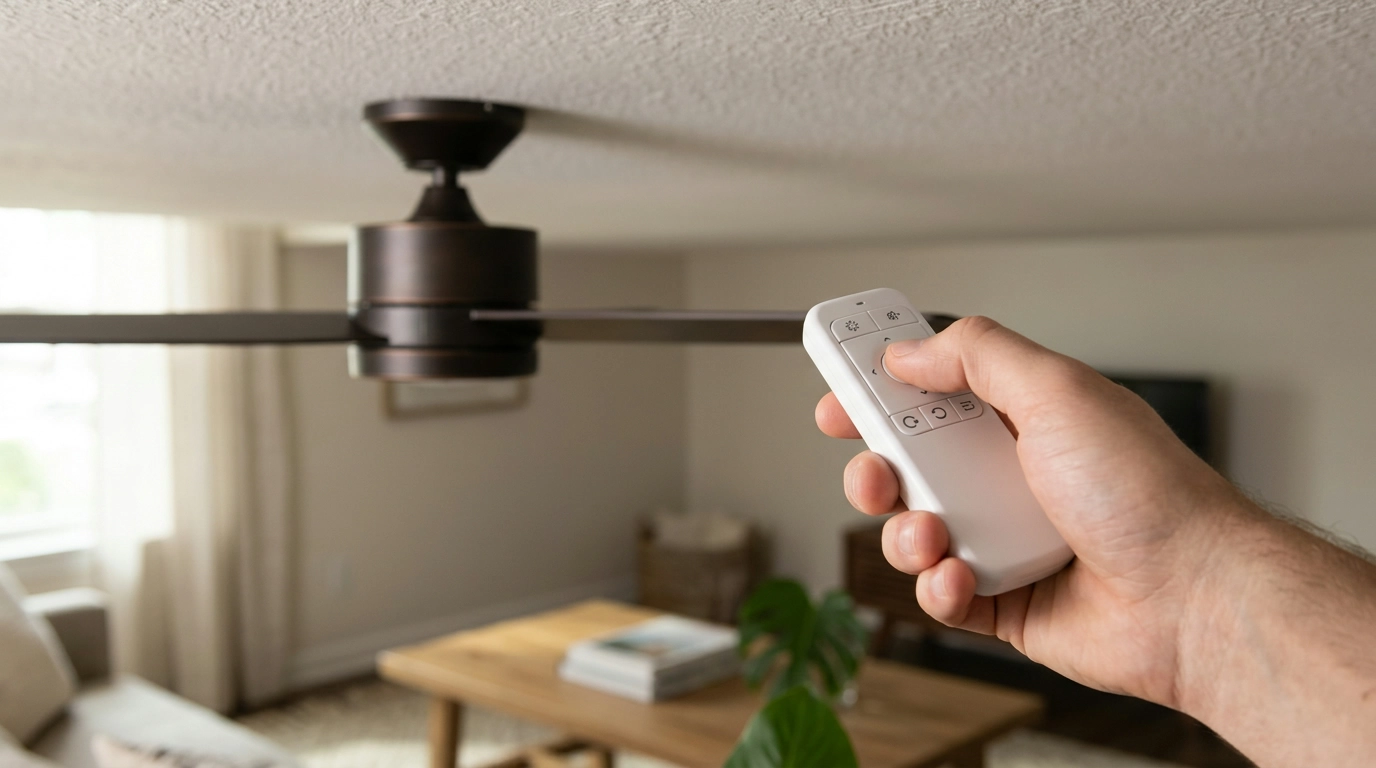
How do you reverse direction on a remote ceiling fan?
Reversing a remote-controlled ceiling fan usually takes less than a minute once you know where the reverse function lives. Our team sees two common setups: fans with a dedicated Reverse button on the remote, and fans that reverse from the motor housing using a small switch (even if you normally use the remote for speeds and light). Either way, the safest approach is the same: stop the fan completely before changing direction.
Step-by-step: Reverse using the remote
1) Turn the fan off and wait until the blades stop fully. 2) Press the remote’s Reverse (or F/R) button once; some remotes require a quick press-and-hold for 3–5 seconds. 3) Turn the fan back on at a low speed to confirm the direction change, then increase speed as desired.
If your remote doesn’t have a reverse button
Many remote-ceiling-fan combos still use a physical reverse switch on the fan body. Turn the fan off, let it stop, then locate the small slide switch on the motor housing (often near the downrod connection or under the canopy area on flush-mount styles). Slide it to the opposite position, then restart the fan at low speed.
What direction should you use?
In warm weather, you typically want airflow that creates a cooling breeze (commonly counterclockwise when viewed from below). In cooler months, you usually want the fan to gently circulate rising warm air back down without a strong draft (often clockwise). After reversing, stand under the fan: if you feel a direct breeze, you’re in “summer” style airflow; if you feel less draft and more overall circulation, you’re in “winter” style airflow.
Troubleshooting quick fixes
If nothing changes, replace the remote battery and try again with the fan powered on at the wall switch. If the fan beeps or the light works but the reverse won’t respond, power the fan off at the breaker for about a minute to reset the receiver, then retry. For more remote and control tips, see our full guide here: low-profile remote ceiling fan guide.
FAQ
Why is my remote ceiling fan not changing direction?
The fan must be fully stopped before reversing, and some models only reverse via a small switch on the motor housing. If your remote has a reverse function, try a fresh battery and a brief power reset at the breaker to re-sync the receiver.













Leave a comment